Getting Signed Up
First, you’ll want to navigate to https://palpabl.com and login to your Palpabl account. If you do not have a Palpabl account you can sign up for one using the Sign-Up button on the top right of the page.
Getting Started with a Palpabl NMS Plan
The Palpabl NMS product requires your organization to have a plan in order to use it. We offer several plans from free to enterprise plans. While our pricing page details what all features are offered with each of these plans some of these features are on a future road map for the product. Please keep this in mind when making purchasing decisions. You can find information on Palpabl NMS pricing and our plans here. From this page you can select which plan you would like to start. All plans for Palpabl NMS include an organization level license and do not require additional purchases to add additional users.The ability to select a plan for your organization requires billing admin permissions.
How to Access The Application
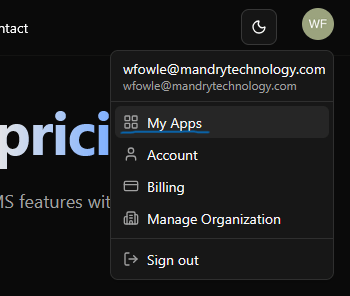
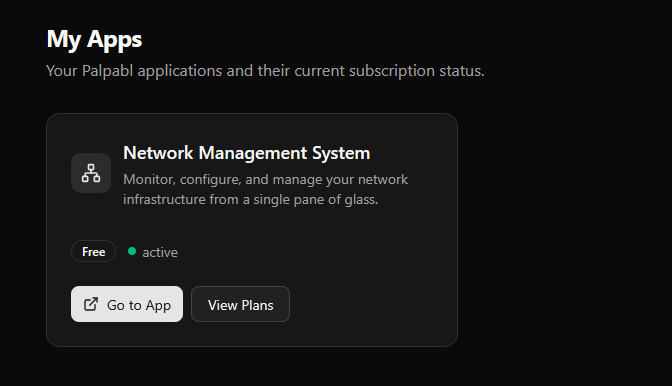
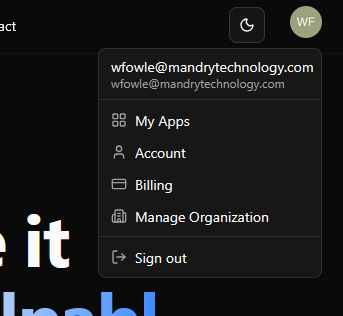
Once you have signed up for any of the Palpabl NMS plans you can access the application via the My Apps page. Once you’re signed in you can access that page by clicking on your user drop down and selecting “My Apps”.